How Much VRAM Do You Need for Gaming in 2026?
8GB still works for esports but strains at 1440p ultra and ray tracing; here is exactly how much VRAM you need for your resolution and how long you keep GPUs.
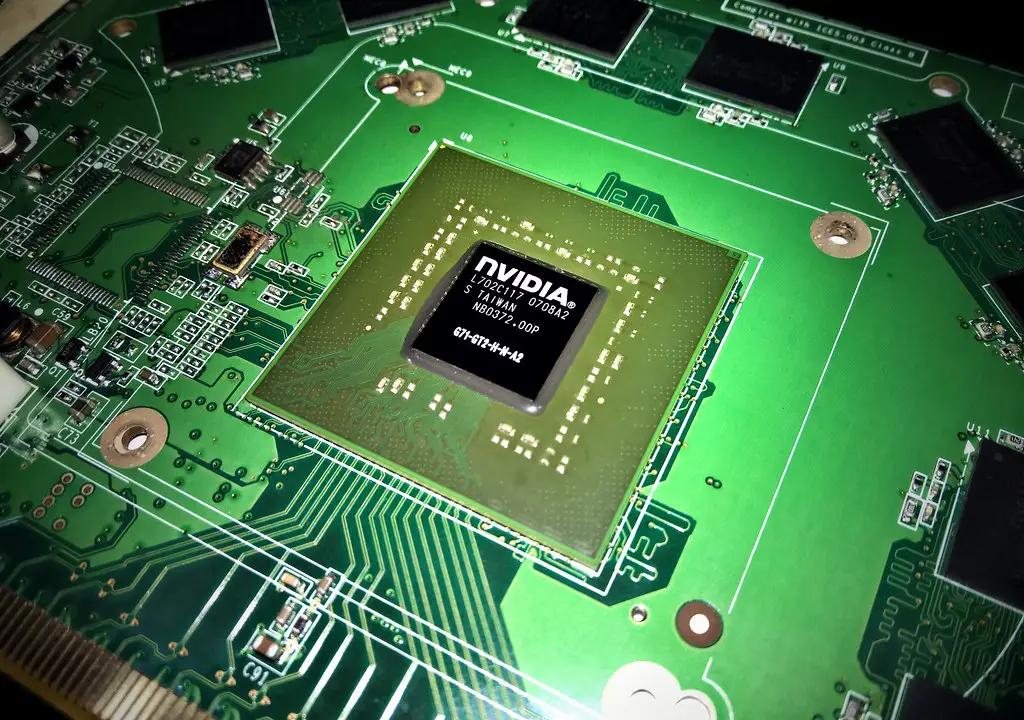
VRAM has become the most argued-about number in PC gaming, and for good reason: it is the spec most likely to turn a fast card into a stuttering mess two years from now. The right amount is not "as much as possible," it is "enough for your resolution plus a little headroom."
Quick answer
In 2026, 8GB of VRAM is the effective minimum and still fine for esports and 1080p medium settings, where 8GB cards are only about 2.3 percent slower than their 16GB siblings. But 12GB is the safer baseline for 1080p and 1440p, and 16GB is the sweet spot for 1440p ultra, ray tracing, and future-proofing. At 4K or if you keep GPUs three-plus years, get 16GB or more.
Key takeaways
- 8GB is the floor, fine for esports and 1080p medium but tight in modern AAA games.
- At 1080p medium, 8GB is barely behind 16GB (about 2.3 percent), so the buffer rarely bottlenecks there.
- 1440p ultra is where 8GB breaks; several big AAA titles exceed it regularly.
- Ray tracing is VRAM-hungry and produces the largest gaps between 8GB and 16GB cards.
- 12GB is a safer baseline; 16GB is the current sweet spot for headroom and longevity.
Why the number matters more than it used to
When a game needs more VRAM than the card has, it does not gracefully lower quality. It swaps assets in and out over the slower PCIe bus, which shows up as texture pop-in, sudden hitches, and ugly frame-time spikes even when your average FPS looks fine. That is why VRAM shows up in the 1% lows and the "feel" of a game rather than the headline benchmark number. If you have hit this wall, our guide on VRAM out-of-memory errors covers the immediate fixes.
Game requirements have risen steadily, and there is no sign that trend reverses. So VRAM is as much a longevity decision as a performance one.
How much you need by resolution
The honest answer depends on where you play and how aggressive your settings are.
| Resolution and settings | Comfortable VRAM | Notes |
|---|---|---|
| 1080p esports / medium | 8GB | Only ~2.3% behind 16GB here |
| 1080p ultra + ray tracing | 12GB | 8GB shows limits with RT on |
| 1440p high | 12GB | Comfortable minimum for the resolution |
| 1440p ultra + ray tracing | 16GB | 8GB regularly exceeded |
| 4K | 16GB+ | Headroom for current and upcoming titles |
At 1440p, ultra or high settings in AAA titles push beyond 8GB quite regularly. Games like Alan Wake 2, Cyberpunk 2077, Starfield, and Black Myth Wukong will eat through 8GB quickly, so the resolution most gamers target is exactly where the smaller buffer starts to hurt.

Ray tracing changes the math
If you enable ray tracing regularly, everything shifts up a tier. RT workloads are particularly VRAM-hungry and produce the largest gaps between 8GB and 16GB cards in current testing, and 8GB shows its limits even at 1080p ultra once ray tracing is on. So an RT-focused buyer should treat 12GB as the floor and 16GB as the target, regardless of resolution.
The future-proofing question
This is where the decision gets personal. If you upgrade every year or two, 8GB on a cheap card is a defensible short-term buy for 1080p. If you plan to keep the GPU three or more years, 8GB is increasingly risky, because rising requirements will push it past its limit well before you are ready to replace it.
| How long you keep GPUs | Recommended VRAM |
|---|---|
| 1-2 years, 1080p | 8GB acceptable |
| 2-3 years, 1080p/1440p | 12GB safer |
| 3+ years or 1440p ultra / 4K | 16GB or more |
When you are cross-shopping cards, weigh VRAM alongside raw performance rather than in isolation; our RTX 5060 vs RTX 5070 comparison and 1440p GPU guide both factor the buffer into the recommendation.
What to do right now
- Identify your monitor's resolution and whether you use ray tracing.
- For 1080p esports or medium settings, 8GB is acceptable.
- For 1440p or any regular ray tracing, target 12GB minimum, 16GB ideally.
- For 4K or a 3-plus-year lifespan, buy 16GB or more.
- If a game already pops textures or hitches, lower texture quality one notch and check VRAM usage in an overlay.
- When comparing two cards, do not let a slightly cheaper 8GB model tempt you at 1440p ultra.
Frequently asked questions
Is 8GB of VRAM still enough in 2026?
For esports and 1080p medium settings, yes; 8GB cards are only about 2.3 percent slower than 16GB versions there. For 1440p ultra or ray tracing, 8GB is no longer enough and you will see texture pop-in and hitching.
Do I really need 16GB for 1440p?
For high settings without ray tracing, 12GB is a comfortable minimum. For 1440p ultra with ray tracing, 16GB is the sweet spot because it removes the buffer as a bottleneck.
Why does low VRAM cause stutter instead of just lower FPS?
Because the game streams assets over the slower PCIe bus when it runs out of memory, causing texture pop-in and frame-time spikes rather than a clean average FPS drop.
Does ray tracing need more VRAM?
Yes, significantly. RT workloads are among the most memory-hungry, producing the largest gaps between 8GB and 16GB cards, and 8GB can be exceeded even at 1080p ultra with ray tracing enabled.